
Copilot
Introduction
Our new help section can be added into Copilot by adding a knowledge to a new or existing agent.
Alternatively, feel free to use Eidva, your virtual assistant, fully integrated inside our extension.
See Generative help and guidance with Copilot for more information
Configure your agent and add a new public website for the following urls as a new agent knowledge.
- eftsure.com/privacy-policy
- eftsure.com/terms-of-service
- helpdesk.eftsure.com.au or helpdesk.eftsure.com
- eftsureinsided365fo.com
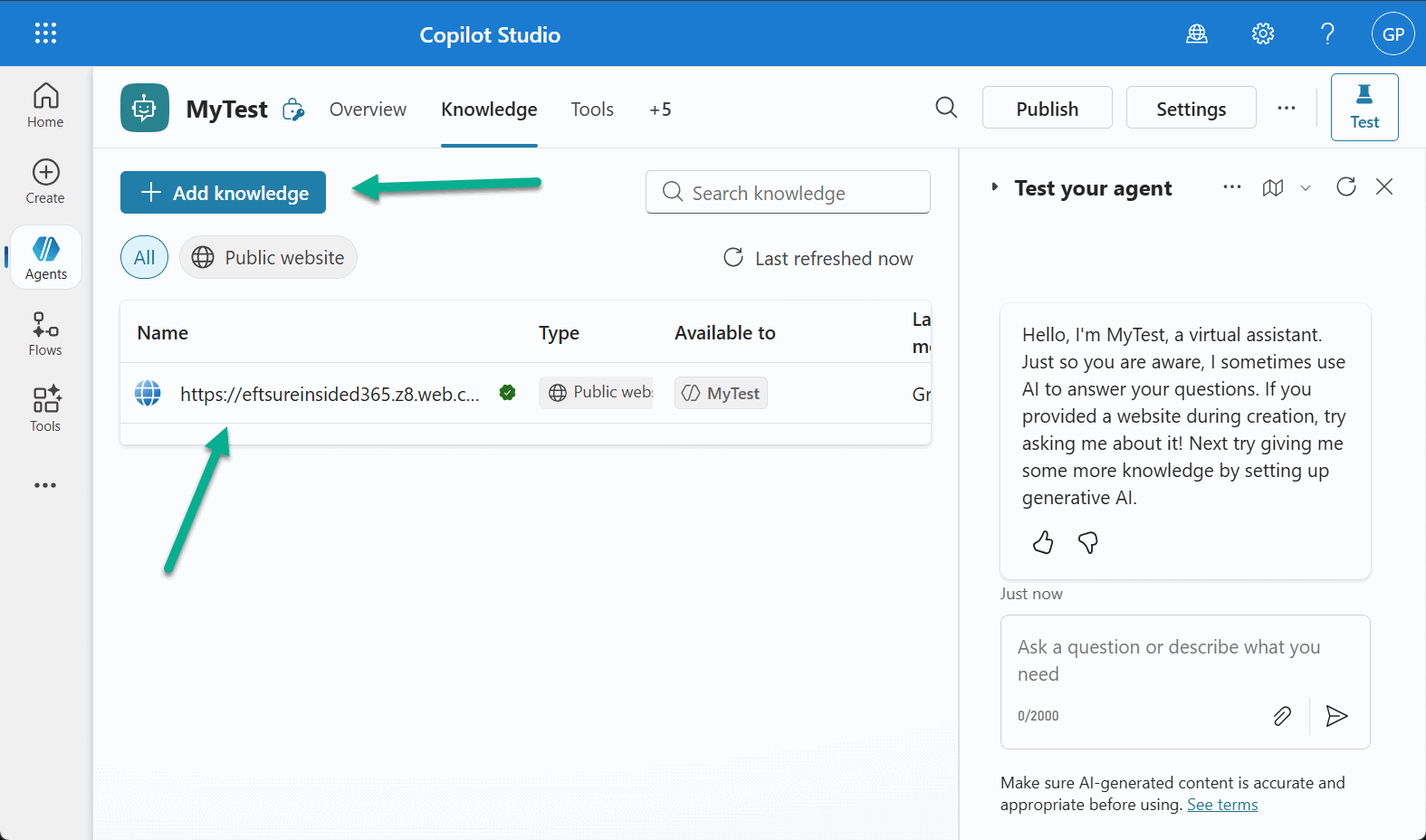
Set your topic(s) to use the above public websites as databsources, Test and publish your agent.
Your Copilot agent will be able to answer your user's questions about Eftsure, including answers based on our online documentation.

When possible, Copilot will include links to our online documentation.
Request samples
See the following sample requests:
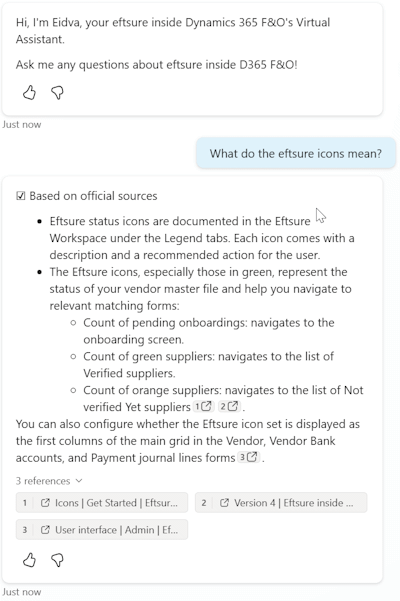
What do the eftsure icons mean?
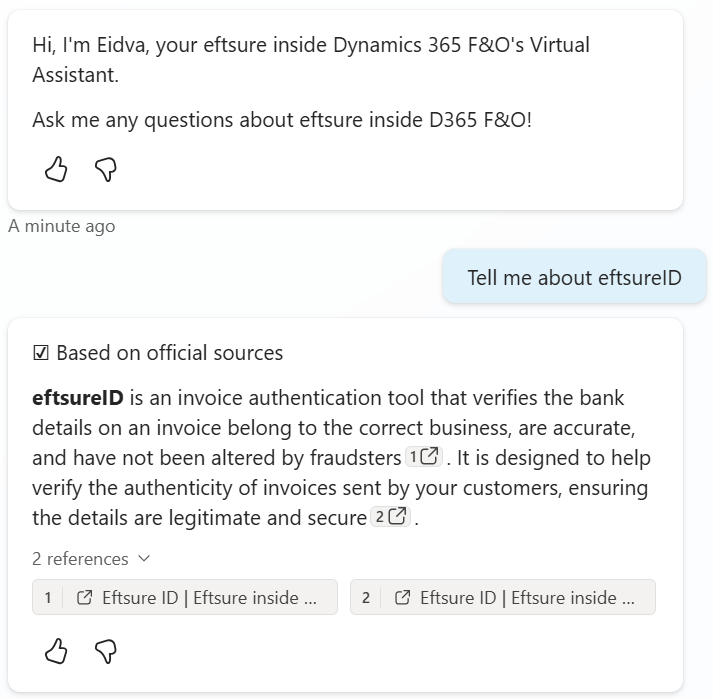
Tell me about eftsureID
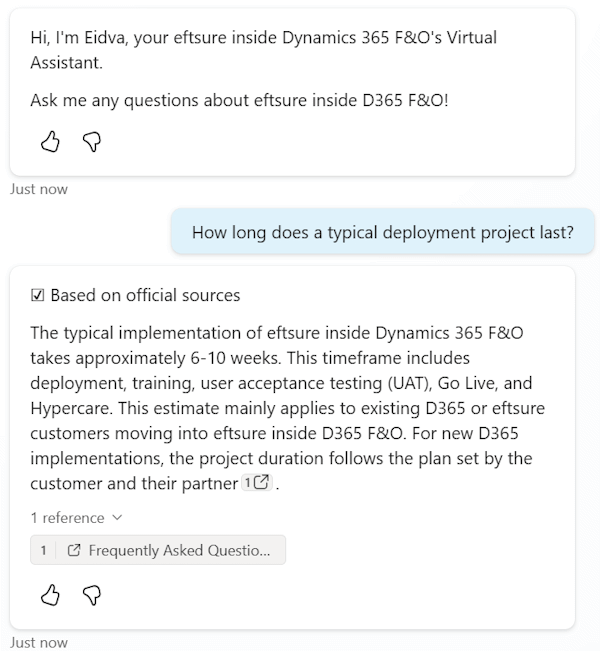
How long does a typical deployment project last?
What is the SLA for high priority verifications?
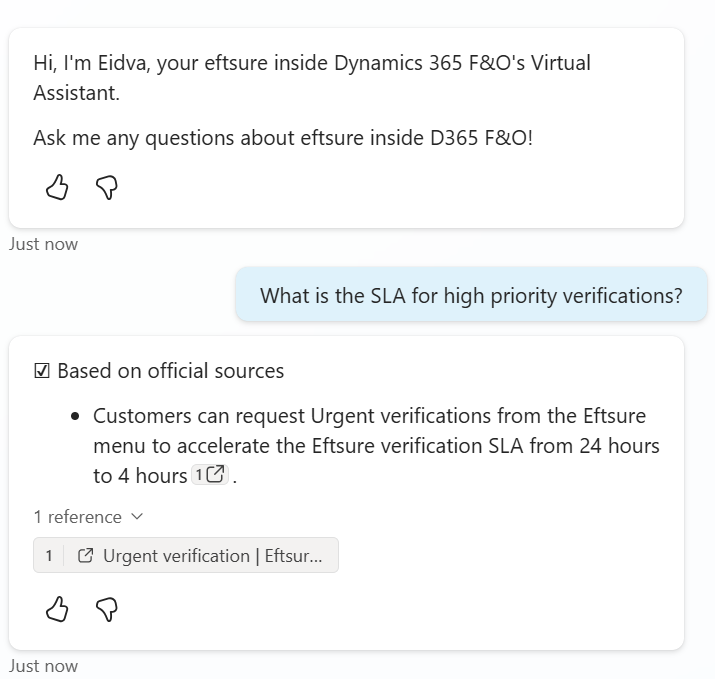
Custom Virtual Agent
Customers can use their own Copilot Virtual Agent instead of Eidva. Custom agents are a great way to further enhance the agent's capabilities with knowledges and tools specific to your organisation, such as SharePoint library, public websites,...
Once your Copilot Agent is published, Go to Channels, Email, and copy the Token endpoint.
The Custom Agent section of the AI Tab in Eftsure parameters allows to configure your own custom agent.
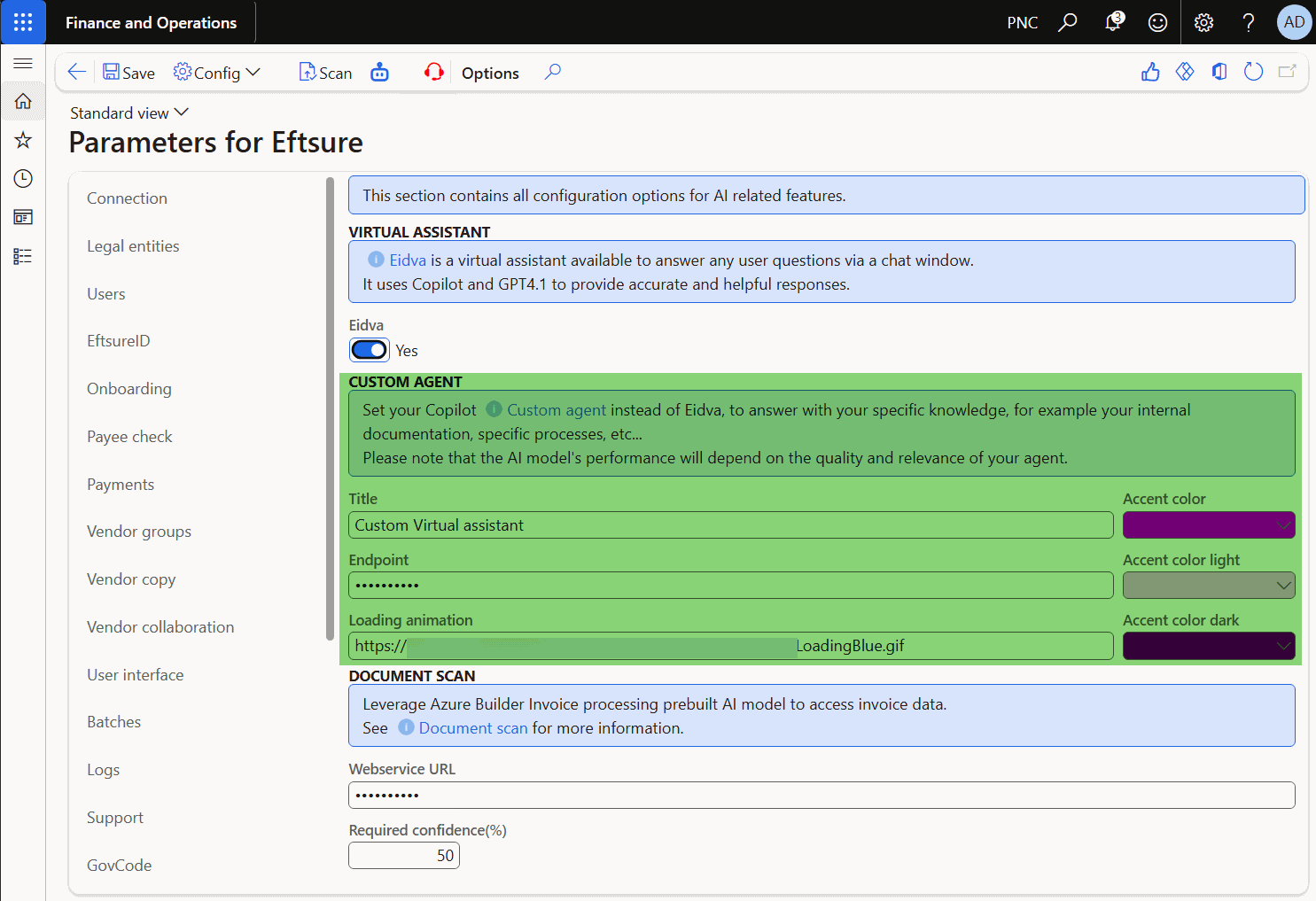
Change the following properties to match your agent:
| Property | Description |
|---|---|
| Title | Title of the agent, to be displayed in the header section |
| Endpoint | Value copied in the previous step |
| Loading animation | Url of image (potentially gif) to show loading activity |
| Accent color | Main user interface color |
| Accent color Light | Main light user interface color |
| Accent color Dark | Main dark user interface color |
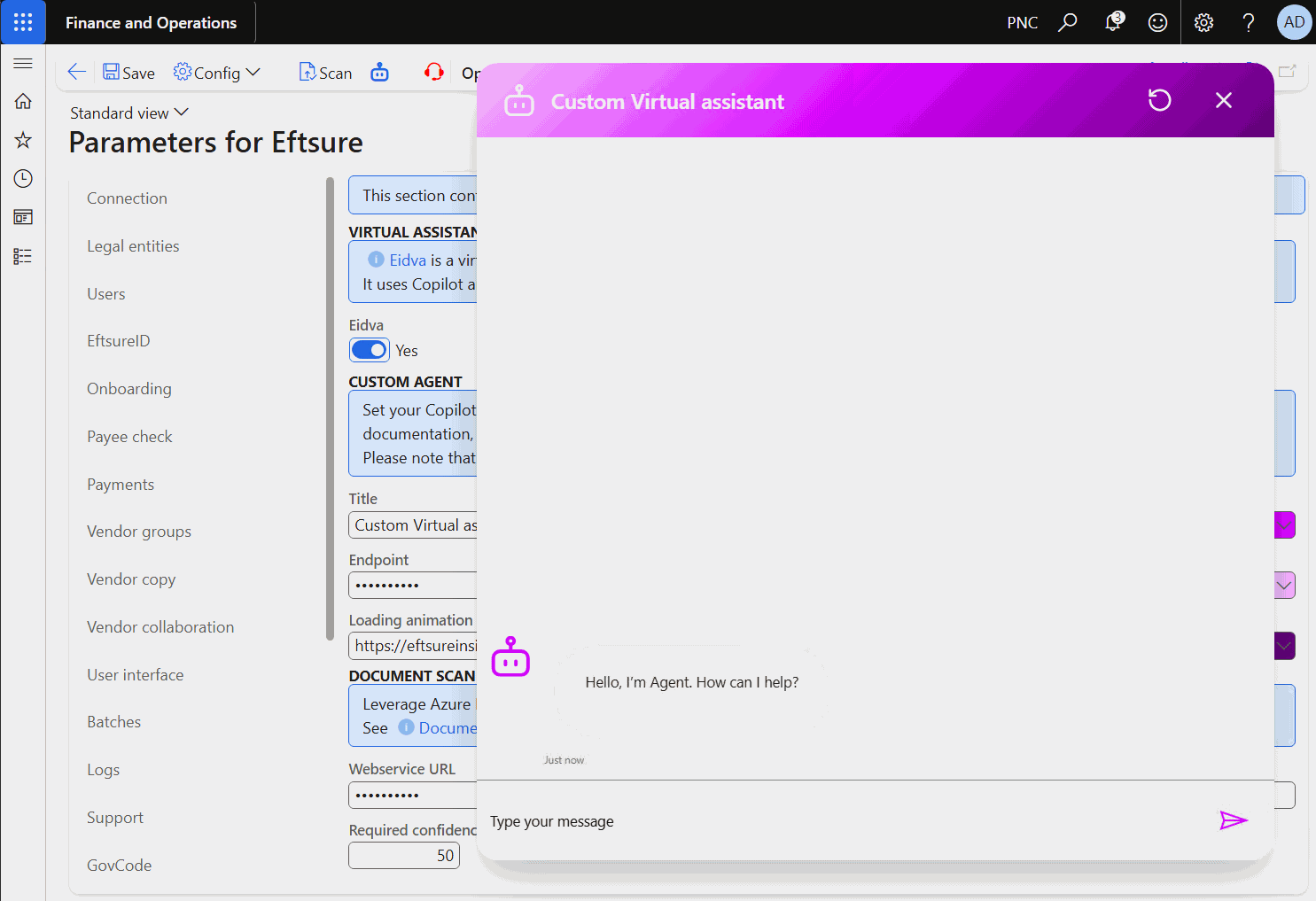
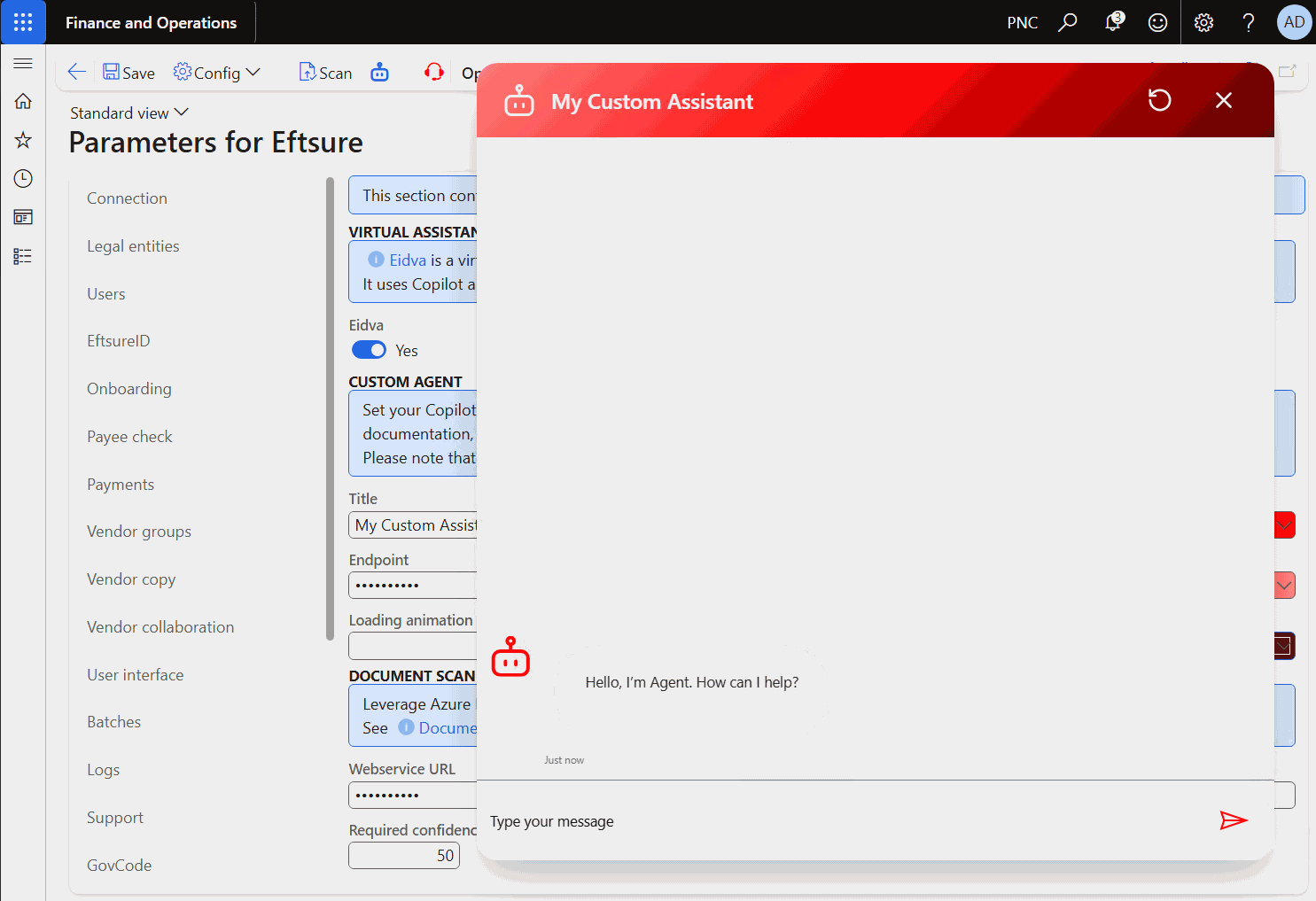
Once configured, click the virtual assistant button to see the changes:
Setting your own custom Virtual agent in your own tenant / subscription will likely lead to additional Azure subscription costs.