
Charts
Introduction
The Charts section is available in the main eftsure workspace, using the main tabs, depending on configuration and user roles.

All charts have drill through capabilities, to navigate into the matching data.
All Charts
The All charts section contains all charts as miniature.
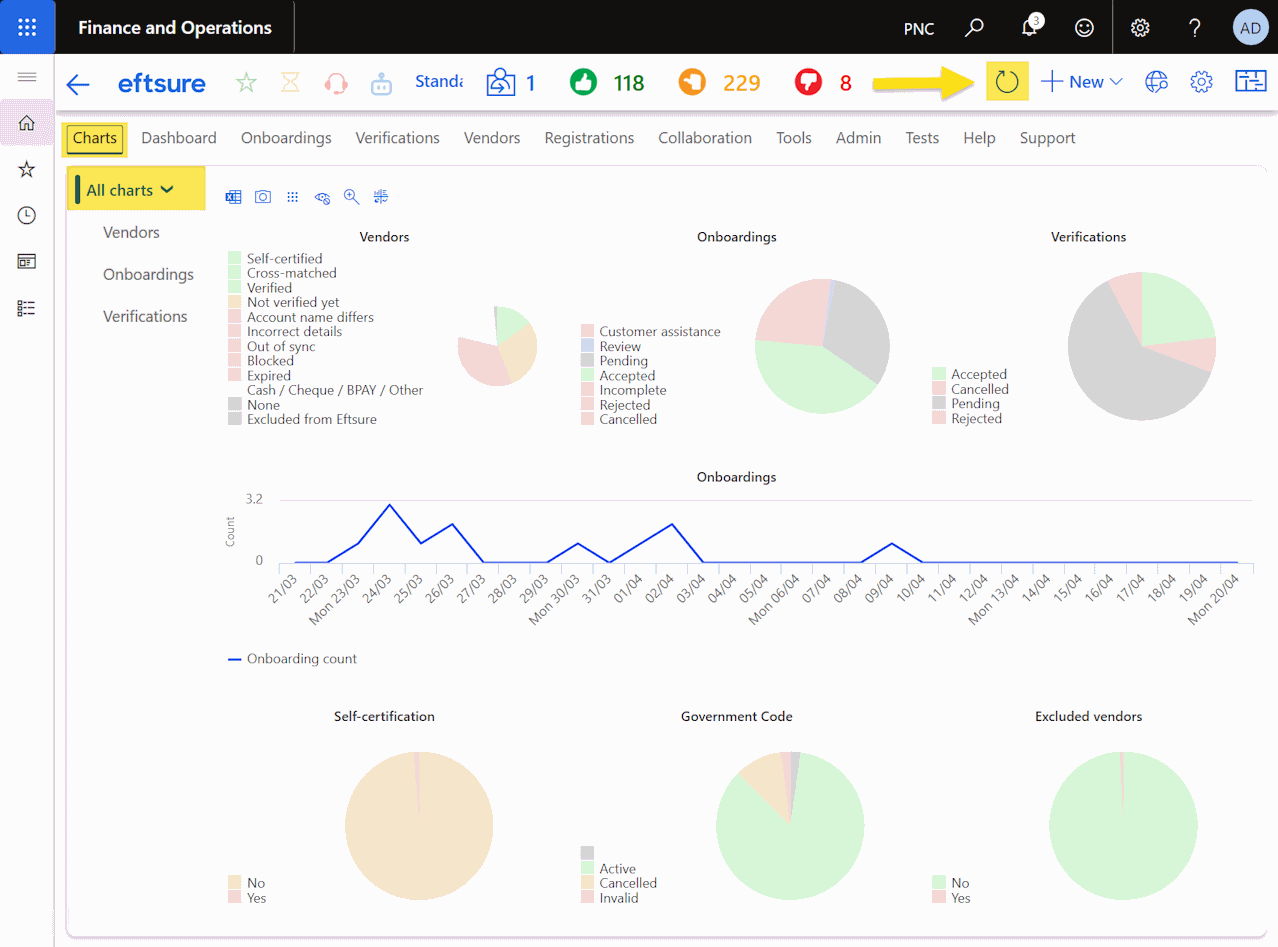
Hit the Refresh button to update charts manually in real time.
Vendors charts
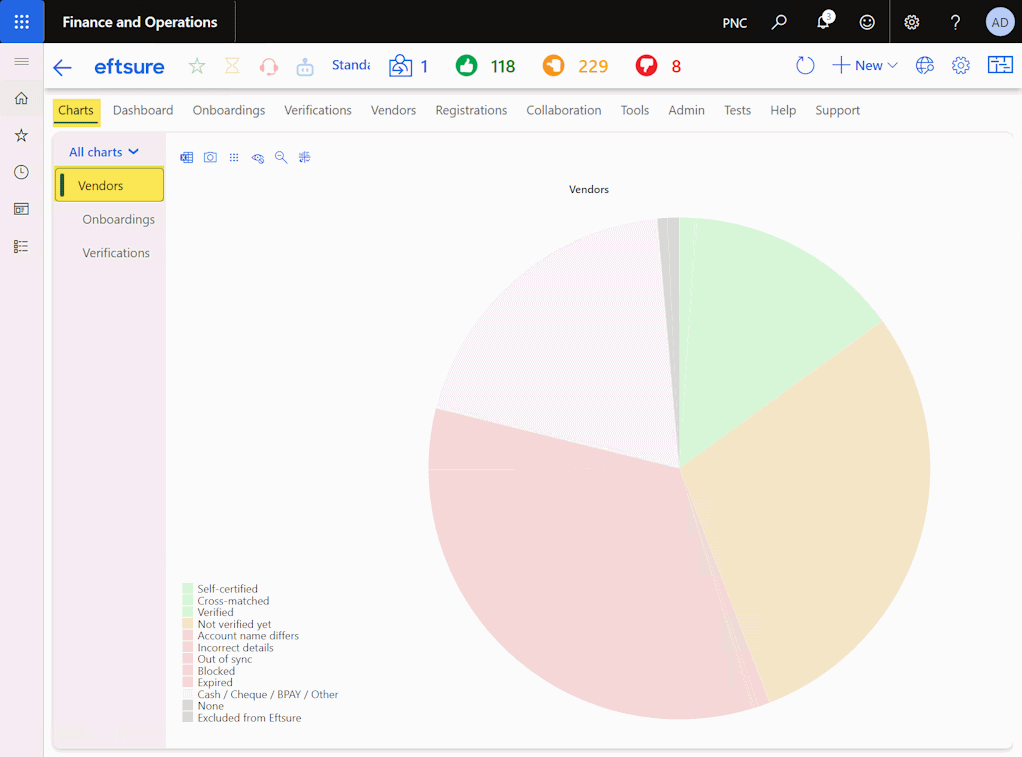
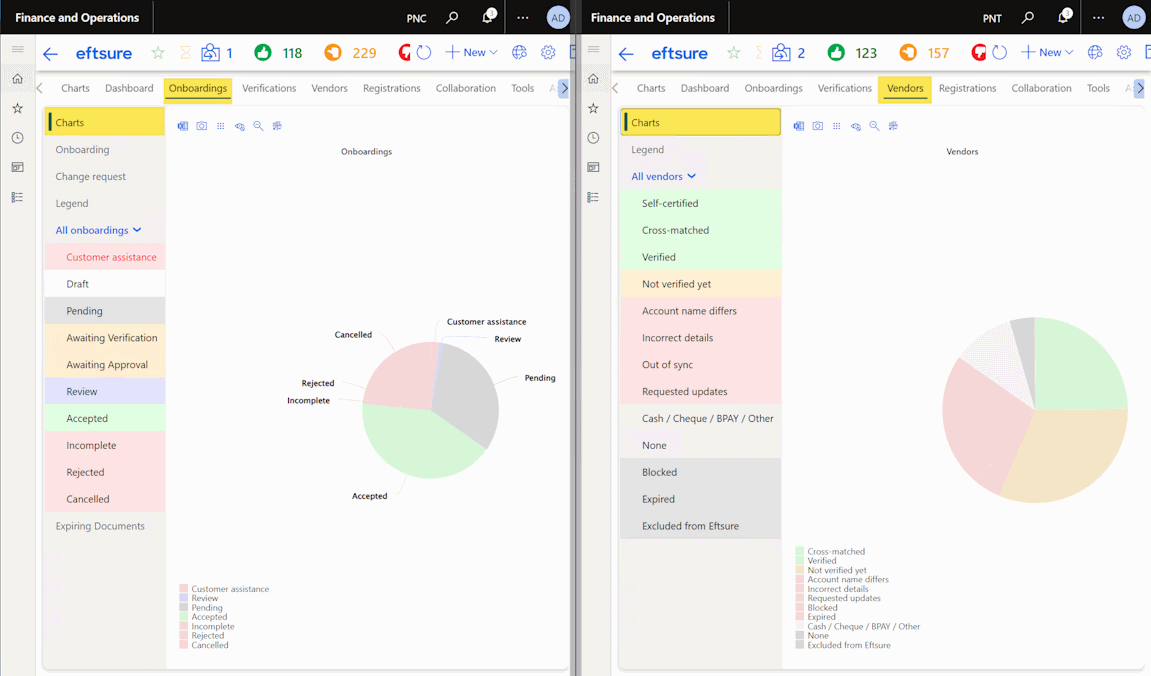
This charts lists all vendor's default bank accounts per Eftsure status, and drills through to the Vendors section.
Onboardings charts
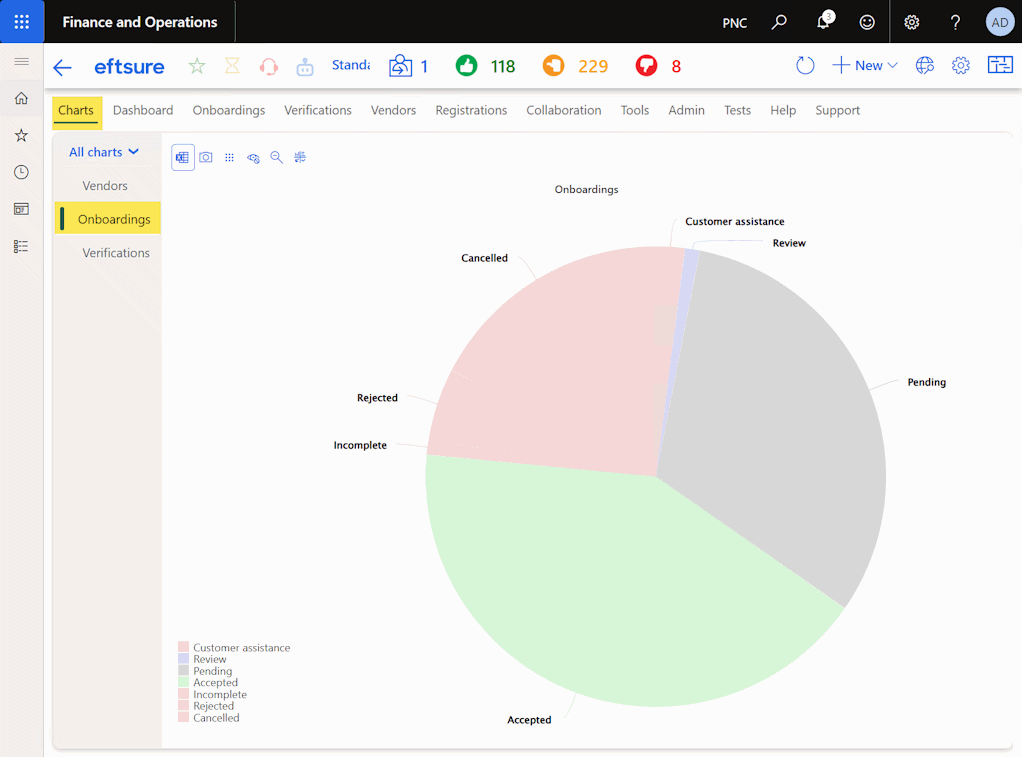
This charts lists all onboardings per Eftsure status, and drills through to the Onboardings section.
Verifications charts
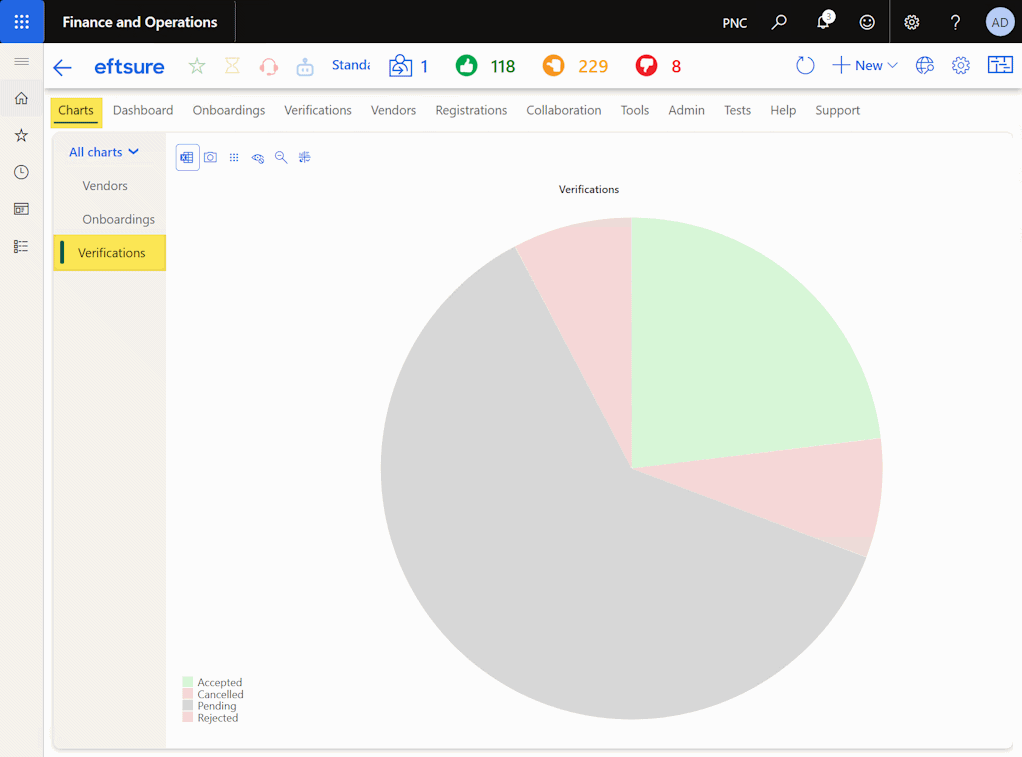
This charts lists all verifications per Eftsure status, and drills through to the Verifications section.
Section charts
The same charts are also available in their matching dedicated sections: In Onboardings, Verifications and Vendors tabs.
Configuration
To hide the charts section, see Hide charts
To configure charts in a Cross Company Data Sharing environment, see CCDS > Chart points
Batch Job
Charts rely on Charts cache batch to refresh data.
When configured appropriately, the Check batch process will create this batch.
Maintenance
See Charts cache