
Shortcuts
The following Eftsure menu is made available to help the users navigate and provide quickly accessible shortcuts.
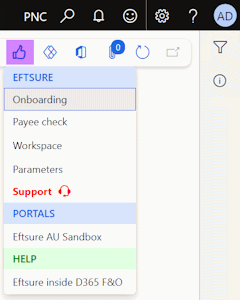
This menu contains multiple main sections, with clear section labels.
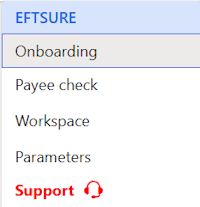
Eftsure
This section provides navigation shortcuts to
Portals
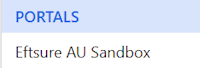
This section provides a navigation shortcut to the matching eftsure portal, and opens it in a new window.
tip
This menu understands the context and will open Sandbox/Live environments in the matching geography (Currently AU/US)
Help
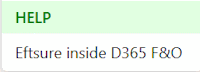
This section provides contextual help information based on users actions. Depending on the context, this section may offer multiple help related links/sections.
| Default | Multiple options | Partner solutions |
|---|---|---|
 | 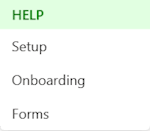 | 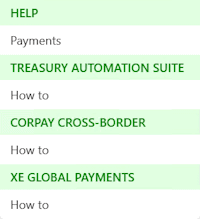 |
| Available on most Eftsure related forms | Available in Parameters | Available in payment journals and lines |